Technology
Wireless
- free wireless access
- network name – “publiclibrary.”
Public Computers
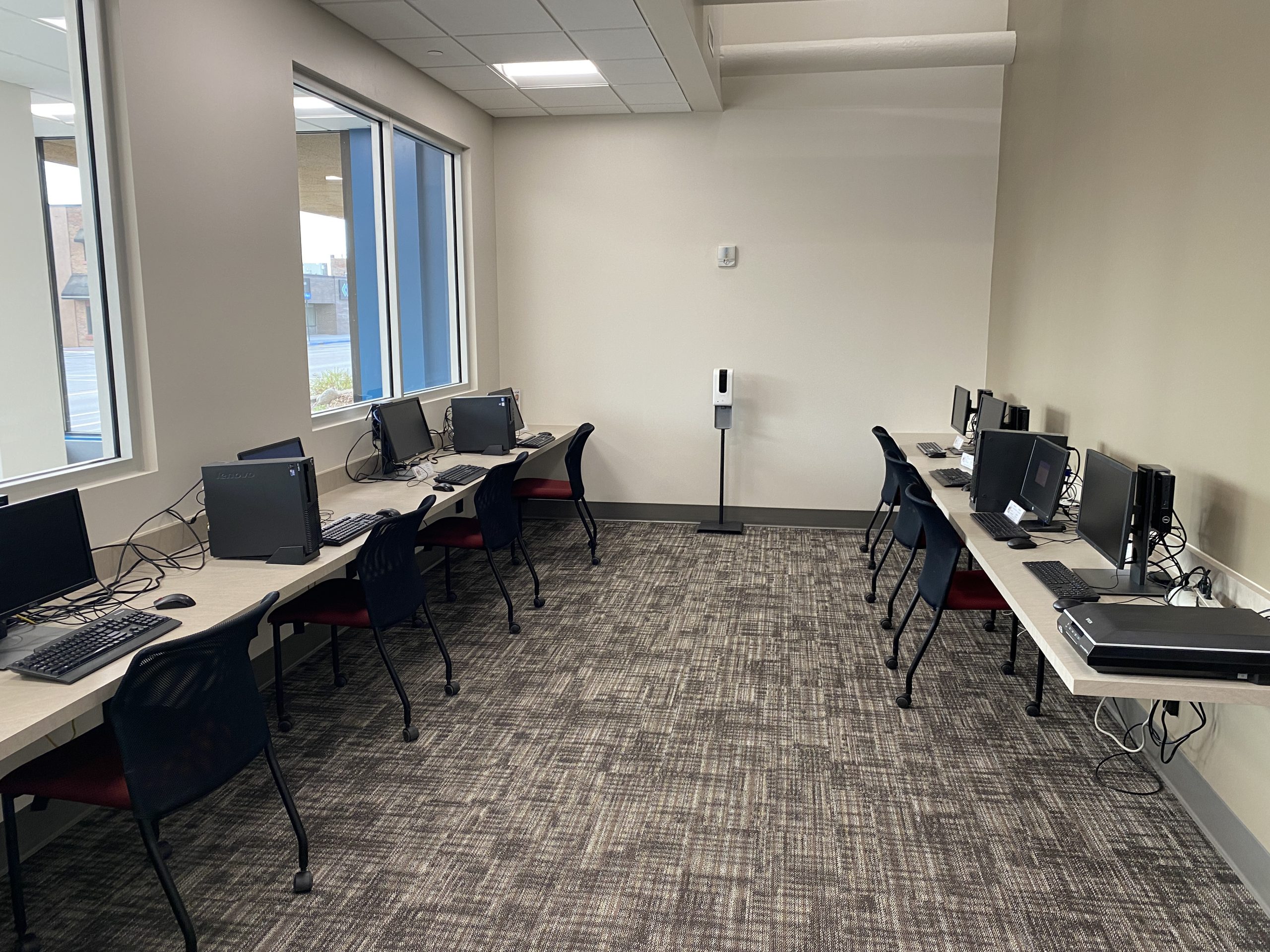
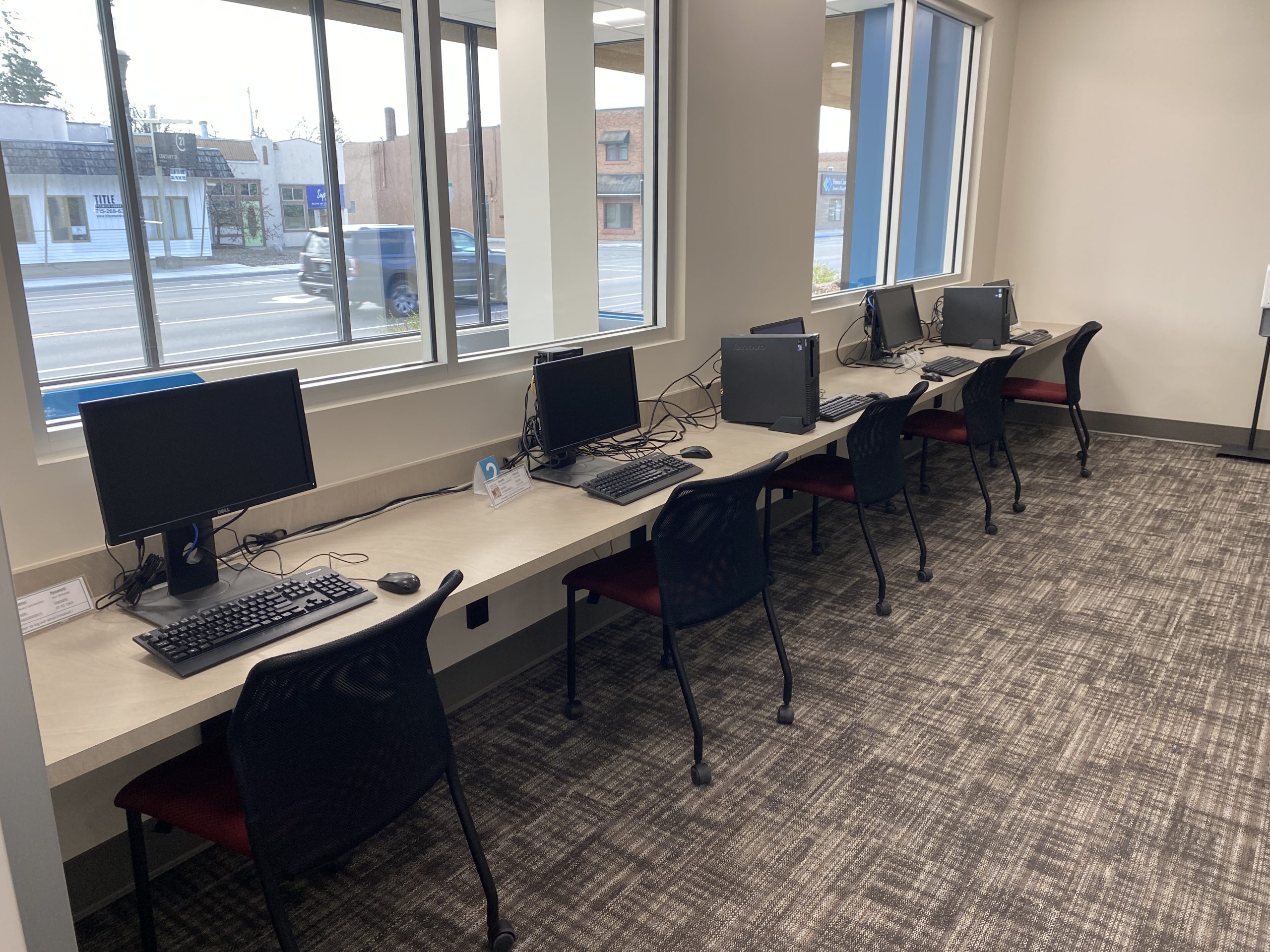
- 8 public computers
- equipped with MS Office.
- Maximum computer time is 3 hours per day if there is no wait list
Beginning Computer Skills
Individualized help with using a mouse/keyboarding, email accounts, search engines, printing and internet basics.
Fax Service
We provide free sending and receiving of faxes.
To send a fax:
- Scan and send your documents to this email: [email protected] (if you do not have a PDF copy of the document you need to fax, come to the library and we can help you scan your document to create the PDF file)
- Alert a staff member that you have emailed a document to the library email account and are ready to send a fax
- Staff will upload your document to hellofax.com and send it to the fax number you provide
To receive a fax:
- Give this number to the person sending you a fax: 1-715-802-6261 – please have them include a cover page with your name on it
- Contact us to let you know you will be receiving a fax
- When the fax arrives we will contact you to pick-it up
Printers
- free copying, scanning, faxing, and emailing documents
- print from your mobile, tablet or laptop with Princh
- printing and photocopying
- 10 free pages per person per day
- additional pages:
- 10 cents per page for black and white
- 25 cents per page for color
Microfilm Reader
- owned by the Amery Historical Society, and now located at the Amery Free Press
3D Printer
We are indefinitely pausing new 3D print requests.